
Start with the conditions you need to film in
A camera that works well for a seated video at home may need a different lens or support for an outdoor broadcast. At home, the distance to the presenter stays much the same. You can place a light beside the camera and keep other people out of the picture. At an event, the available space and light can change while you are speaking.
That does not mean you need a different camera for every location. It means you need to understand which adjustments your usual broadcasts require. A lens affects how much of the scene is visible. Autofocus helps keep the subject clear when the distance changes. A screen facing the presenter allows someone filming alone to check the composition.
The three fictional examples below describe specific problems rather than a camera test. They explain what to check in the equipment and what still depends on the person operating it. The product discussed at the end is the Sony ZV-E10 II body sold by Wex Photo Video in the UK. A lens is purchased separately.
Case 1: An outdoor interview continues after sunset
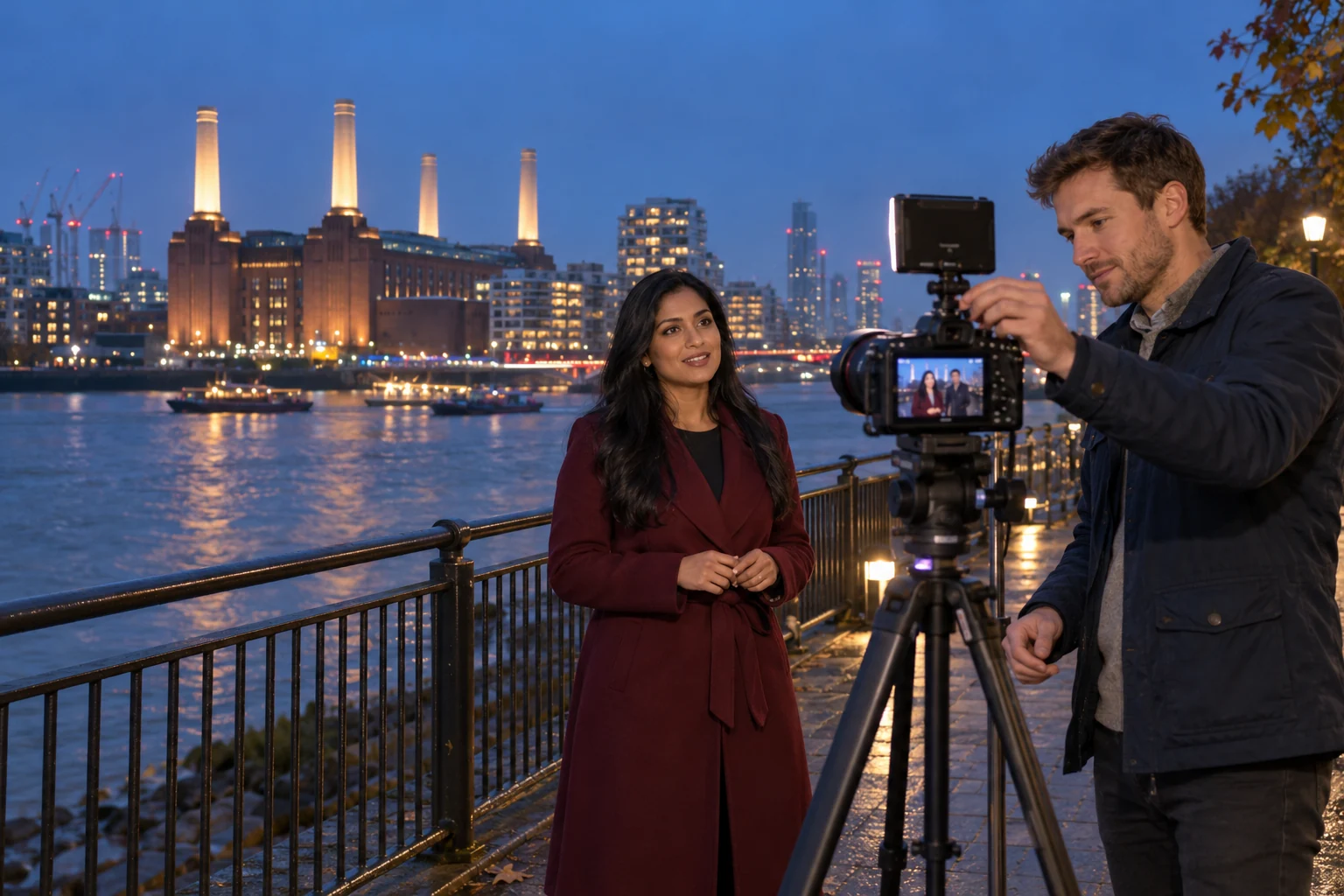
Two presenters are answering questions beside a river. The broadcast began in daylight but continues after sunset. Lamps illuminate the buildings behind them, while their faces are now dark. Both presenters start adjusting the camera and changing position. Their movements make the picture less steady, and the discussion becomes confused.
First, check the light falling on the presenters. Moving a little closer to a suitable light can help more than repeatedly changing the camera settings. If the location has no useful light, a small video light placed near the camera may be needed. Check both faces rather than judging the exposure from the bright background.
The lens also matters. A wider maximum aperture allows more light to reach the sensor. Aperture means the opening inside the lens. A camera with interchangeable lenses lets you choose one suited to evening interviews, provided its viewing angle also works at your filming distance. A lens that admits plenty of light can still be unsuitable if it frames only one face when you need two people.
Increasing ISO, the camera’s light-sensitivity setting, can brighten the image but may make grain more visible. A very slow shutter speed can also brighten it, while making moving faces or hands look blurred. Check a short recording for both brightness and movement instead of judging a still picture on the screen.
For a regular evening broadcast, test at the time you expect to finish. Keep a suitable light ready and decide who will operate the camera if an adjustment is needed. This reduces the confusion of two people changing the setup during the same conversation.
After dark · Light on the face and lens aperture. Check the image at the time your broadcast will finish.
Case 2: People move between the camera and the speaker
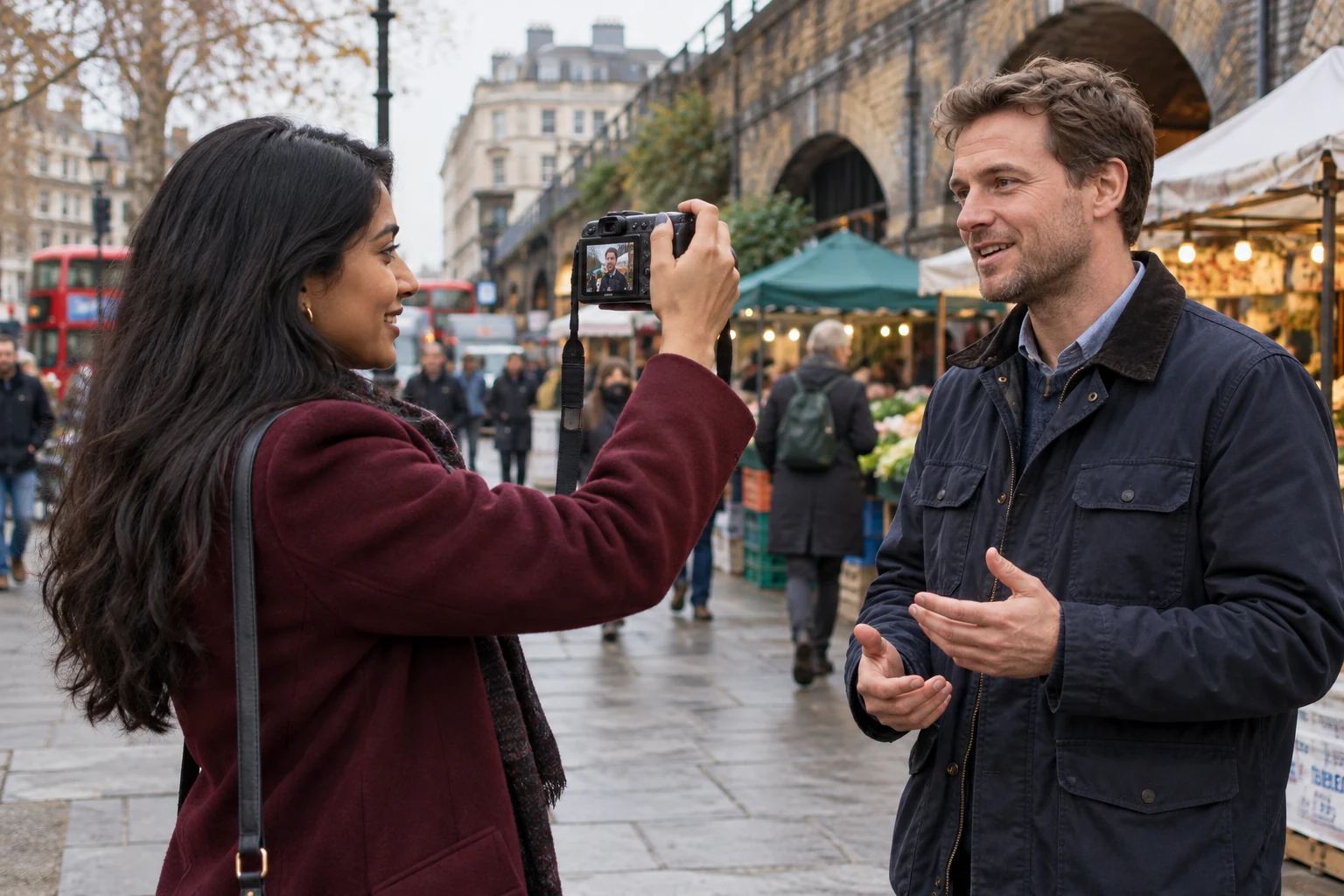
A presenter interviews a guest on a busy pavement. People occasionally cross behind them, and one person passes close to the lens. The presenter then turns the camera towards an activity across the street before returning to the guest. The changing view, nearby movement and traffic noise can make the broadcast look chaotic.
When the camera returns to the guest, focus must return to the nearby face. Autofocus with person detection and tracking is useful for this task. Learn how to select the intended subject too: if several faces are visible, automatic selection may follow someone else. Check this with the actual lens and settings you plan to use.
Camera support is a separate consideration. For a stationary interview, a compact tripod can keep the picture steady. During a walk, a comfortable grip makes controlled movement easier, while stabilisation can reduce smaller shakes. Turn the camera slowly enough for viewers to understand what you are showing. No stabilisation mode makes every sudden movement comfortable to watch.
The camera’s position also affects sound. A microphone mounted beside a camera several steps away may record too much street noise. A compatible microphone near the speaker’s mouth can improve speech clarity. Use suitable wind protection and check the second person’s voice as well if both will speak.
Before going live, record a short exchange in the intended location. Watch for accidental changes of focus and listen for wind, distorted voices or traffic covering the conversation. Check the internet connection there too. Image quality and the reliability of the broadcast connection are separate parts of the setup.
On the street · Focus, camera support and sound. Keep the intended speaker clear when people move nearby.
Case 3: A second guest joins a studio conversation
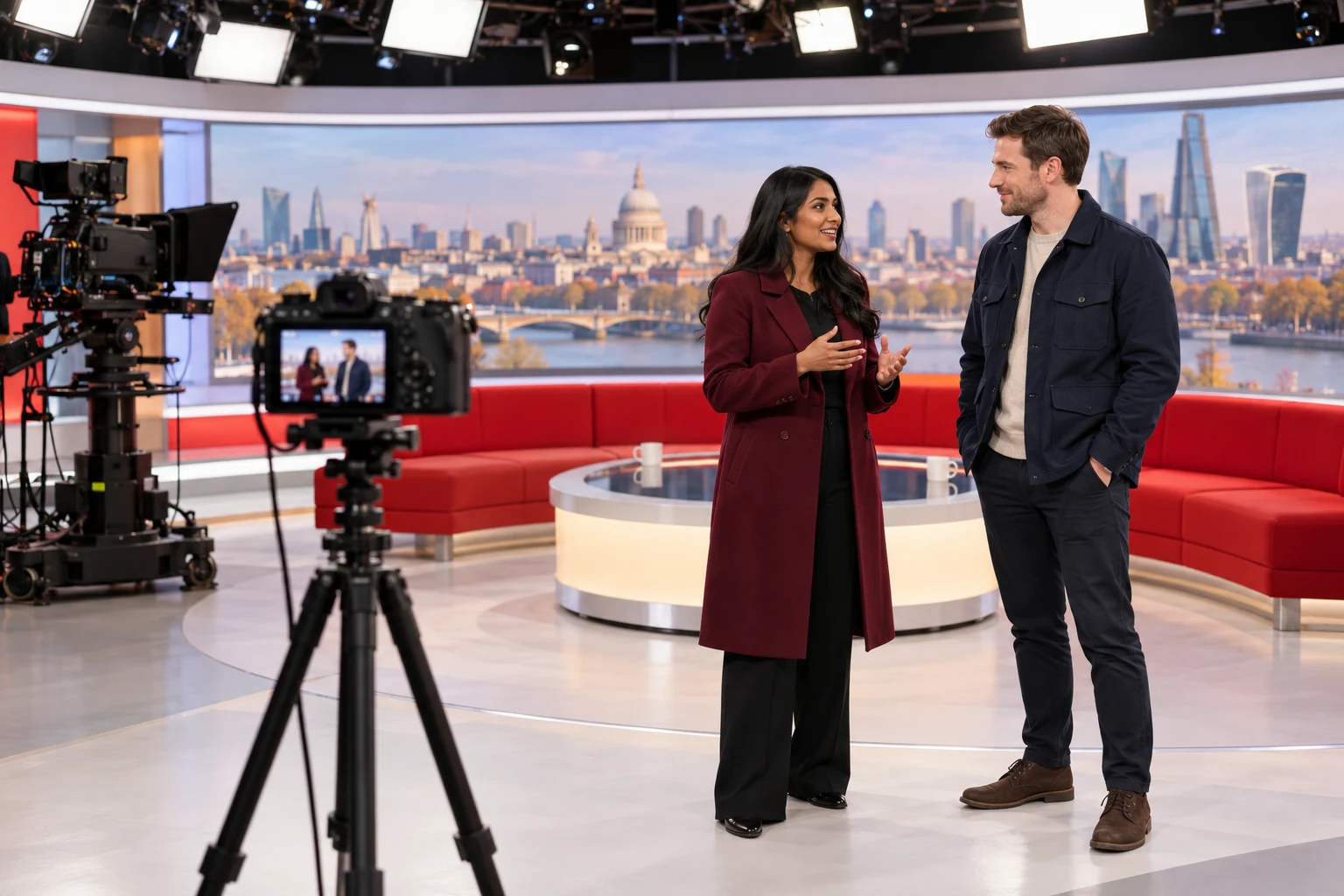
A creator has been invited to a television studio in London and begins a short broadcast for followers before recording. Another guest joins them. The camera is initially positioned for one person, and crew members are working nearby. Trying to move the camera and the two guests at once can cause confusion and interrupt the conversation.
A lens that provides a sufficiently wide view can fit both guests without moving the camera farther back. Check the available distance before selecting the lens. The widest view of a zoom lens matters more here than how closely it can show something far away. Leave some space around both people so a small change of posture does not cut off part of a face.
A screen that turns towards the guests lets them see the picture themselves. Positioning both people at a similar distance from the lens makes it easier to keep both in focus. If settings create a strongly blurred background, check that the second guest is not also blurred.
Place the camera on a stable support if the interview will last several minutes. Check that the studio lighting reaches both faces; lighting intended for the programme may not illuminate the area being used for the separate stream. Agree a position that leaves the crew room to work.
A personal livestream and a feed supplied to the television production use different arrangements. If the studio needs the camera’s video signal, ask its technical team about the connection and settings in advance. The illustrated studio is a fictional setting, not evidence of a real programme using this camera.
In a studio · Space for two people. Check the viewing angle and screen before the interview.
Sony ZV-E10 II: choosing a lens for the body
The Sony ZV-E10 II has a screen that can face the presenter, touch tracking and interchangeable E-mount lenses. These features are relevant to checking your own composition, selecting a subject and changing lenses for different spaces or light. Sony also documents USB streaming of video and audio to a compatible computer.
The Wex offer linked below is for the camera body. A lens is not included. Budget for a suitable lens along with any microphone, support, light, cables and power equipment your broadcasts need. Do not compare the body price with a complete camera-and-lens kit without allowing for that difference.
For evening interviews, consider lens aperture and the light available. For a two-person interview in a small area, check the viewing angle first. For USB streaming, confirm that the computer and cable support the intended mode; the camera’s recording resolution alone does not establish the streaming resolution.
- Screen facing the presenter
- Check the composition without standing behind the camera.
- Touch tracking
- Select the person you want the camera to follow.
- Interchangeable E-mount lenses
- Choose a lens separately for your filming distance and light.
- USB streaming
- Send video and audio to a compatible computer using a suitable cable.
Compare complete setups for the broadcasts you make
Write down the problem that affects your broadcasts most often: faces are too dark, focus changes to a passer-by, or there is not enough room for two people. Use that problem to compare cameras, lenses and accessories.
Then test a complete arrangement. Include the microphone, connection and power supply as well as the camera. Run it for the planned broadcast length and check the result on another screen. A suitable setup should let you make the adjustments you actually need without repeatedly stopping the conversation.
Sources and disclosure
Sources checked: 2026-10-21
Advertising article. A commercial link leads to the named seller; a commission is possible only if a referral agreement covers it. The seller handles the offer.